Themes
Regenerator 2000 ships with 9 built-in 24-bit color themes—switch anytime in File → Settings (Alt+P or Ctrl+,).
Built-in Themes
Dark slate canvas with purple, pink, and cyan highlights.
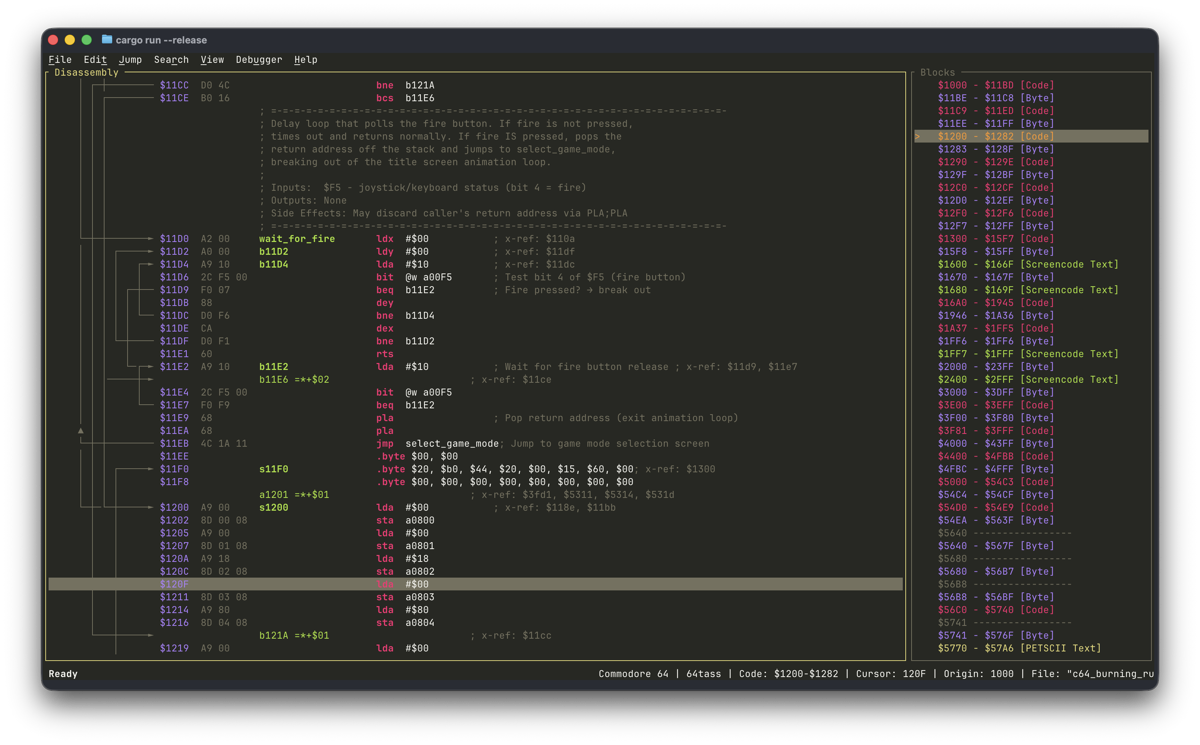
Ethan Schoonover's calibrated low-contrast dark palette.
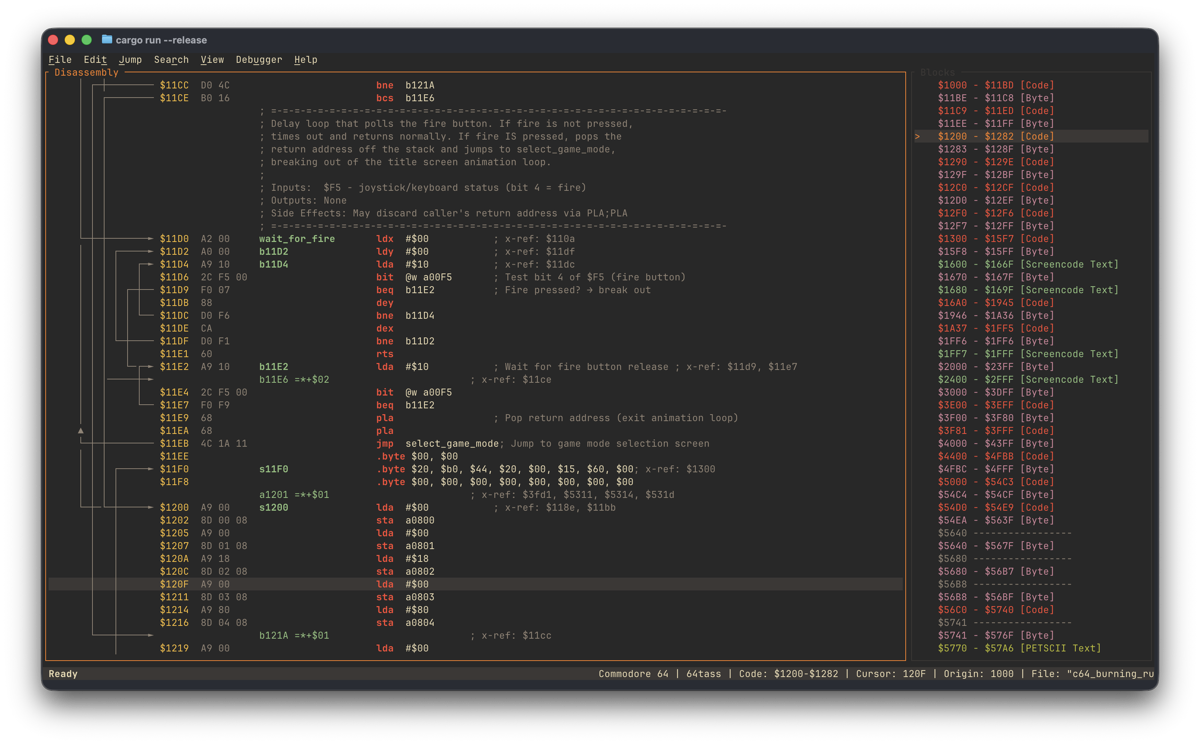
High-legibility light Solarized variant for bright rooms.
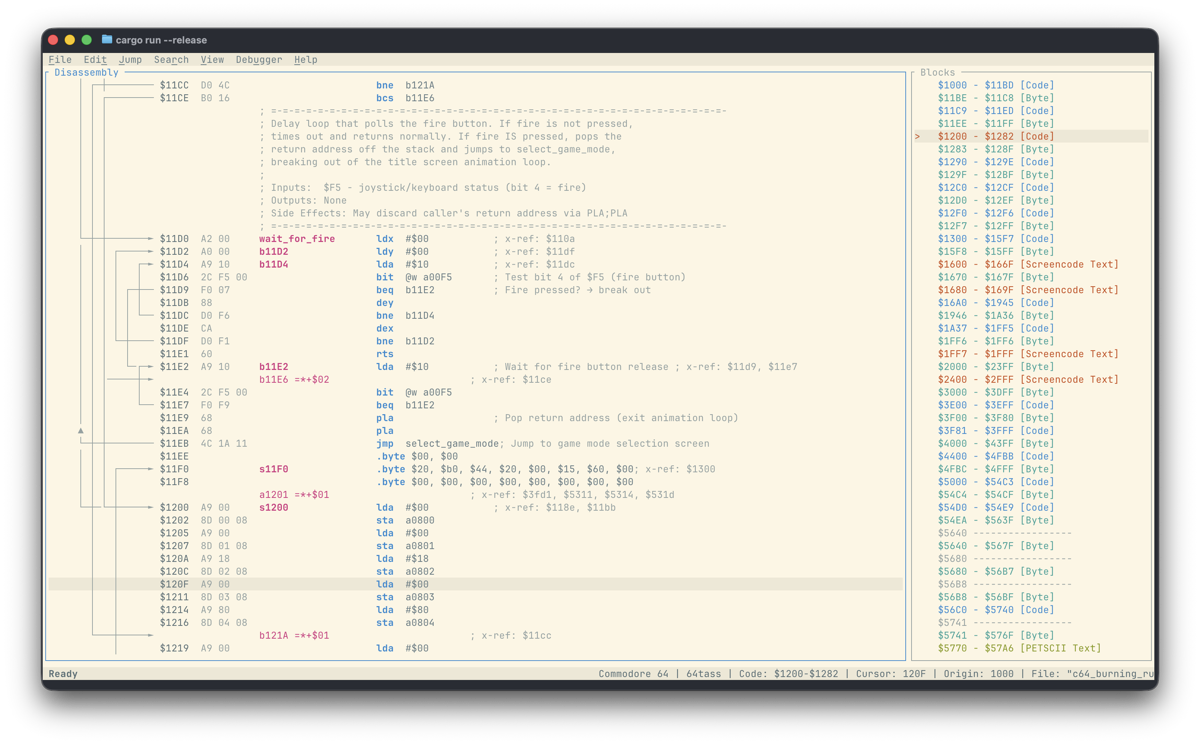
Warm dark tones with orange, yellow, and aqua syntax contrast.
Warm paper background with earthy contrast.
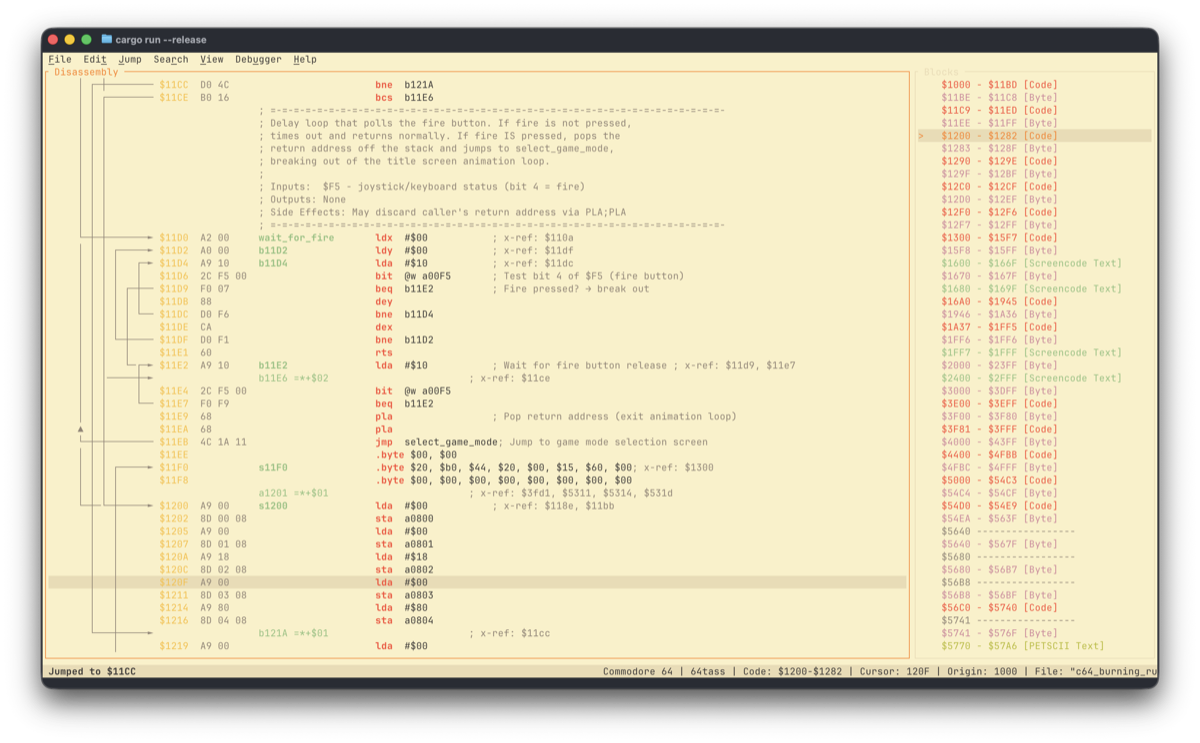
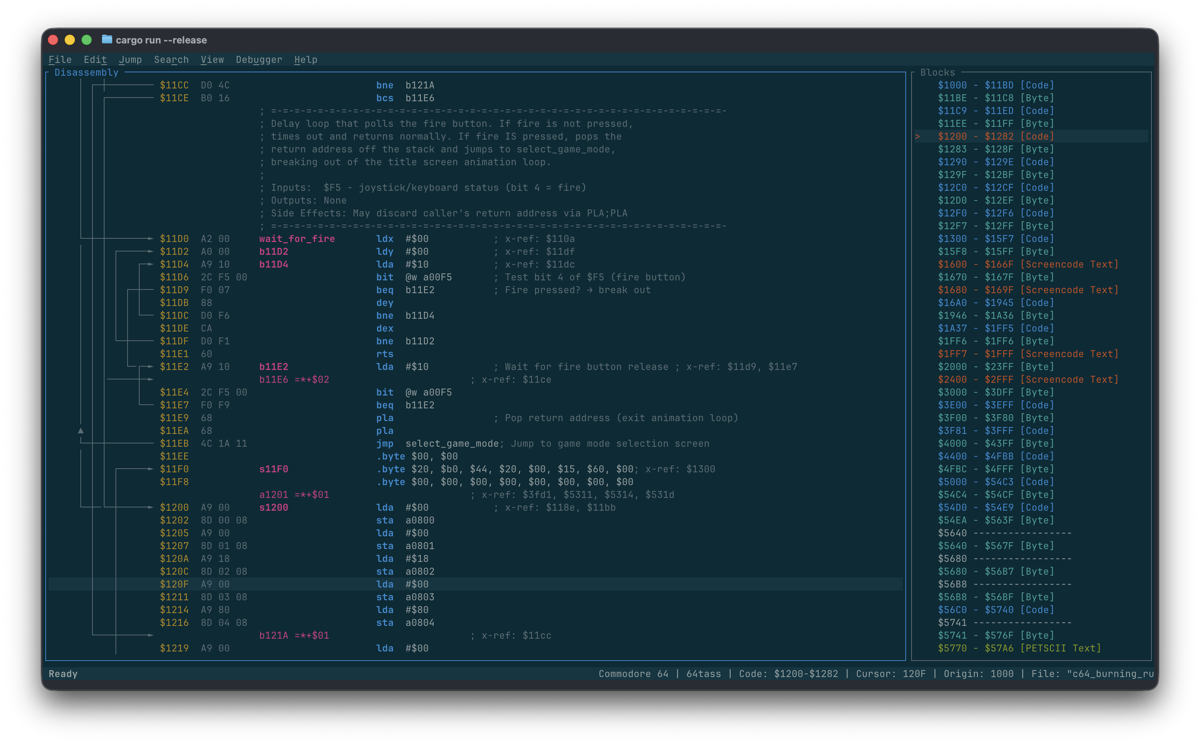
Deep dark background paired with saturated, high-contrast accents.
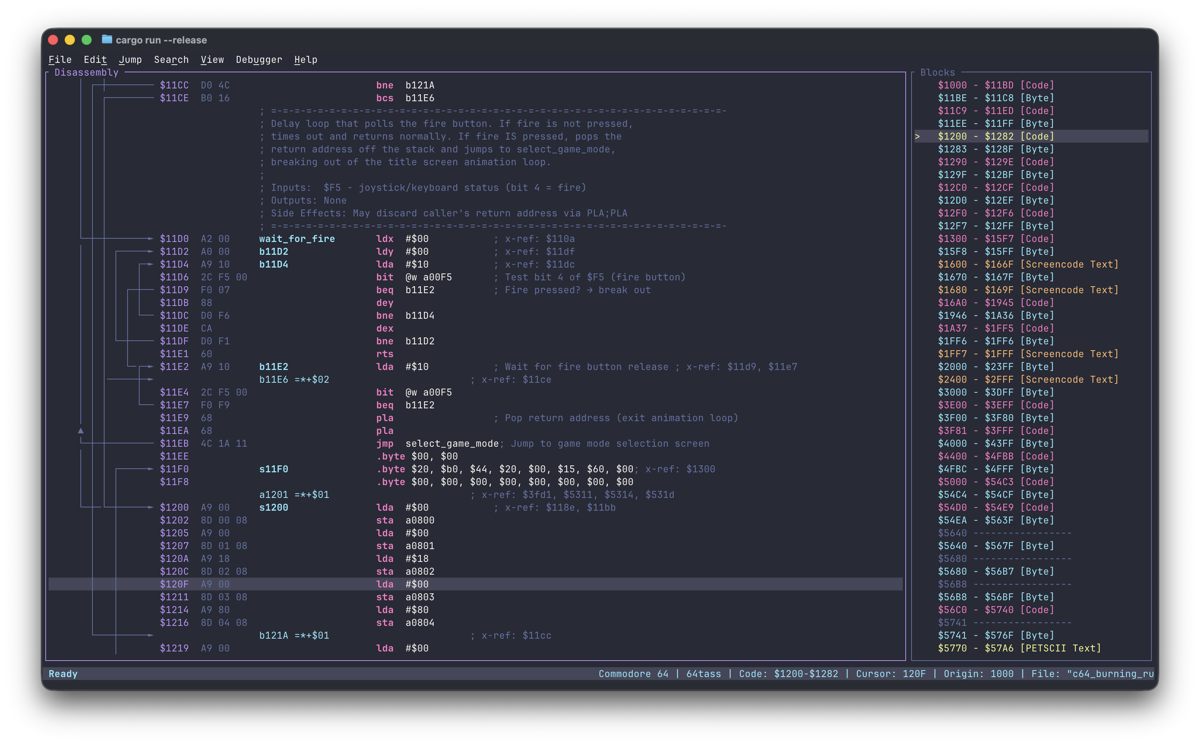
Low-contrast arctic dark palette built on cool blue tones.
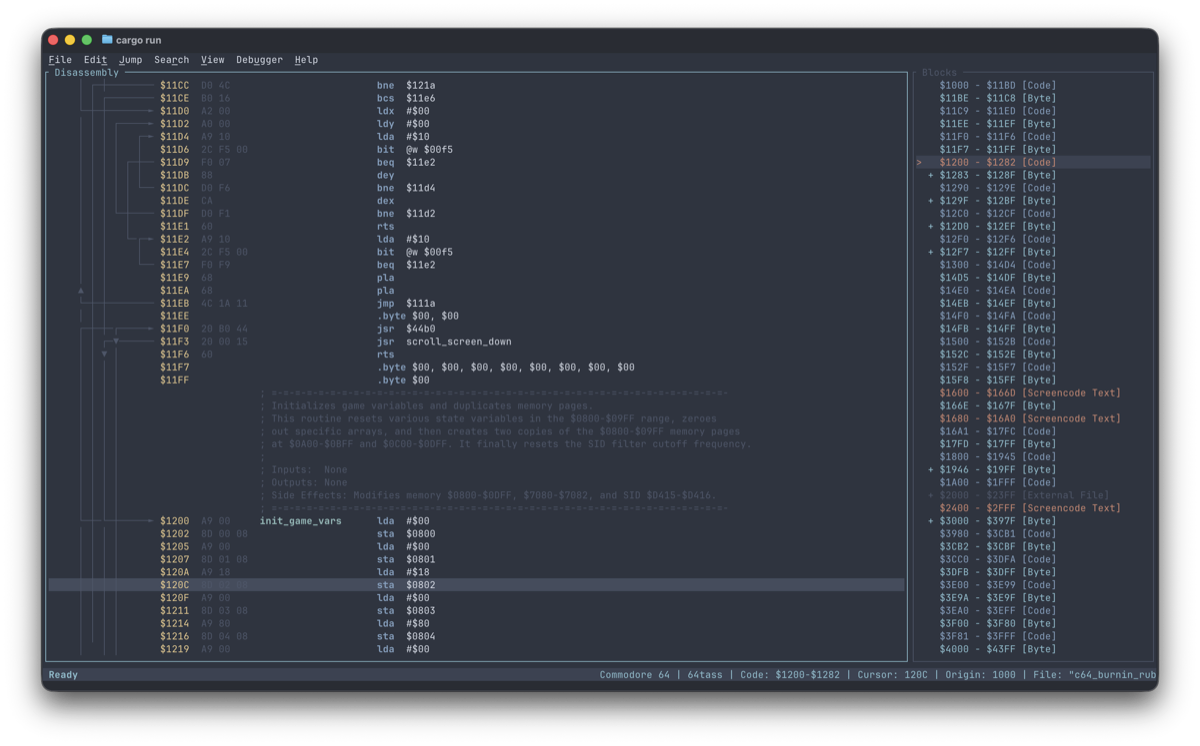
Dark background with warm pastel accents.
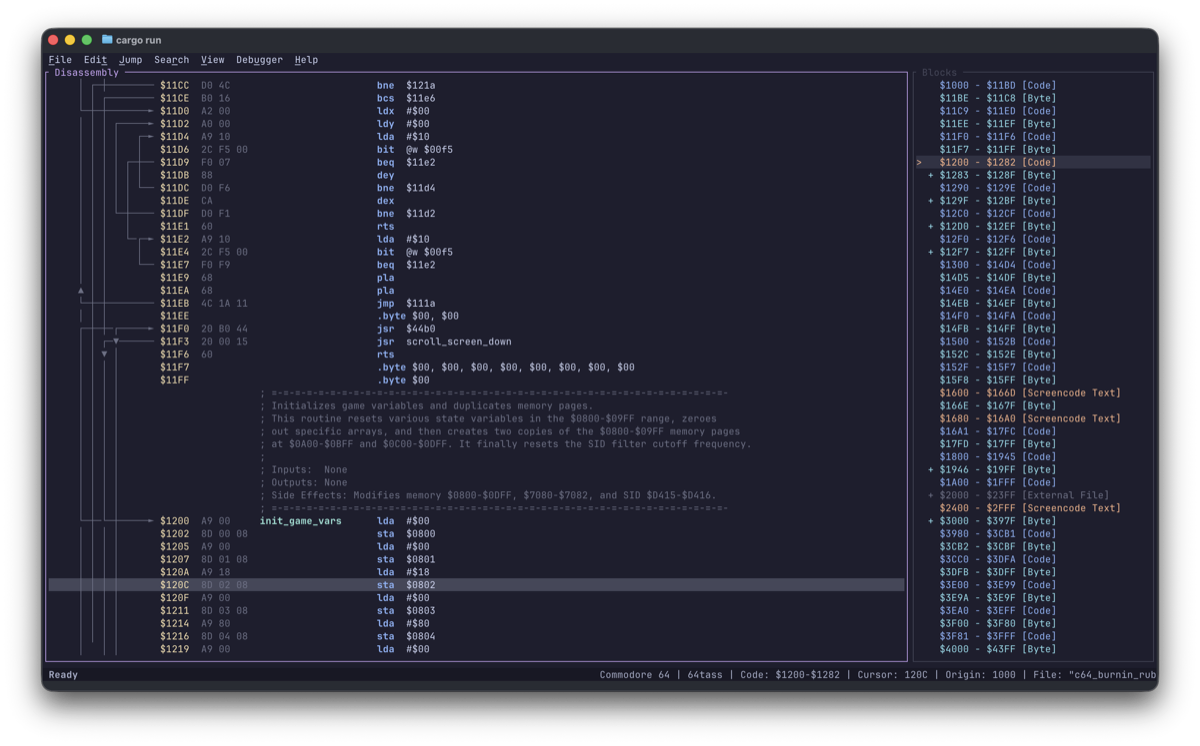
Light daytime palette with crisp pastel highlights.
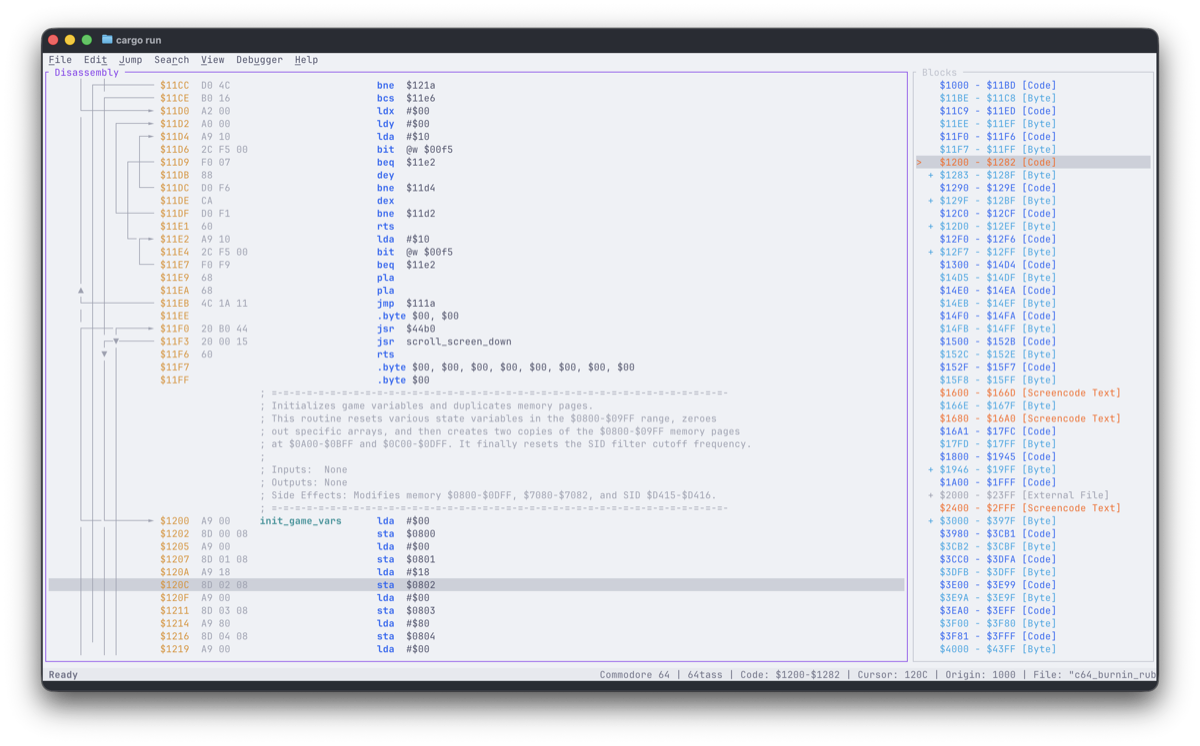
Switching Themes
Open File → Settings (Alt+P or Ctrl+,), highlight Theme, and either press Left / Right to preview themes live or hit Enter to pick from the popup list. Your selection is saved globally across projects.
True-Color Terminal Recommended
All themes use 24-bit RGB colors—see Recommended Terminals for best rendering.
Custom Themes
Add theme-*.toml files to your configuration directory to create partial overrides or brand-new palettes:
| Platform | Configuration Directory |
|---|---|
| macOS | ~/Library/Application Support/regenerator2000/ |
| Linux | ~/.config/regenerator2000/ |
| Windows | C:\Users\<User>\AppData\Roaming\regenerator2000\config\ |
Verify Your Path
Run regenerator2000 --help—the exact configuration directory path for your system prints near the bottom of the output.
Creating a Custom Theme
-
Dump all built-in themes to use as starting points:
-
Create a partial override or full theme—any omitted color key inherits cleanly from
base:theme-green_screen.tomlname = "Green Screen" # (1)! base = "Solarized Dark" # (2)! background = "#003300" # (3)! foreground = "#33FF33" border_active = "#33FF33" border_inactive = "#116611"- Required. Display name in Settings → Theme. Reuse a built-in name to override it.
- Optional fallback theme for unspecified keys (defaults to
"Solarized Dark"). - All color values use
"#RRGGBB"24-bit hex strings.
-
Restart Regenerator 2000 and pick Green Screen in Settings → Theme.
All 45 Theme Color Fields & hex_color_palette
Every key below accepts a "#RRGGBB" hex string (except hex_color_palette, an optional 18-entry array of "#RRGGBB" strings for the Hexdump color map):
| Category | Fields |
|---|---|
| Base & Chrome | background, foreground, border_active, border_inactive, selection_bg, selection_fg, block_selection_bg, block_selection_fg, status_bar_bg, status_bar_fg, minimap_cursor_fg |
| Disassembly | address, bytes, mnemonic, operand, label, label_def, comment, arrow, collapsed_block, collapsed_block_bg |
| Hex & Graphics | hex_bytes, hex_ascii, sprite_multicolor_1, sprite_multicolor_2, charset_multicolor_1, charset_multicolor_2, hex_color_palette |
| Dialogs & Menus | dialog_bg, dialog_fg, dialog_border, menu_bg, menu_fg, menu_selected_bg, menu_selected_fg, menu_disabled_fg |
| Highlights | highlight_fg, highlight_bg, error_fg |
| Block Types (fg/bg) | block_code_*, block_scope_*, block_data_byte_*, block_data_word_*, block_address_*, block_petscii_text_*, block_screencode_text_*, block_lohi_*, block_hilo_*, block_external_file_*, block_undefined_*, block_splitter_* (each has _fg and _bg) |