Regenerator 2000

Interactive 6502 disassembler for Commodore 8-bit systems — keyboard-first, non-destructive, and AI-ready.
Install & Quick Start Guided Tutorial Live HTML Examples
Regenerator 2000 is built around two complementary ways to reverse engineer a binary—use either on its own, or run an AI pass first and refine the results by hand:
- Manual Analysis
- Navigate code and data with single-key shortcuts, Vim motions, or mouse clicks. Every edit pushes to a persistent undo stack so you can reclassify blocks, rename labels, and inspect graphics safely.
- Automated Analysis
- Connect Claude Code, Antigravity, or any MCP client to the built-in MCP Server and agent skills to decode BASIC stubs, partition blocks, trace routines, and document variables automatically.
Inside the Workspace
Inspect code, raw memory, graphics, and live execution side by side across seven views (see Views for every shortcut):
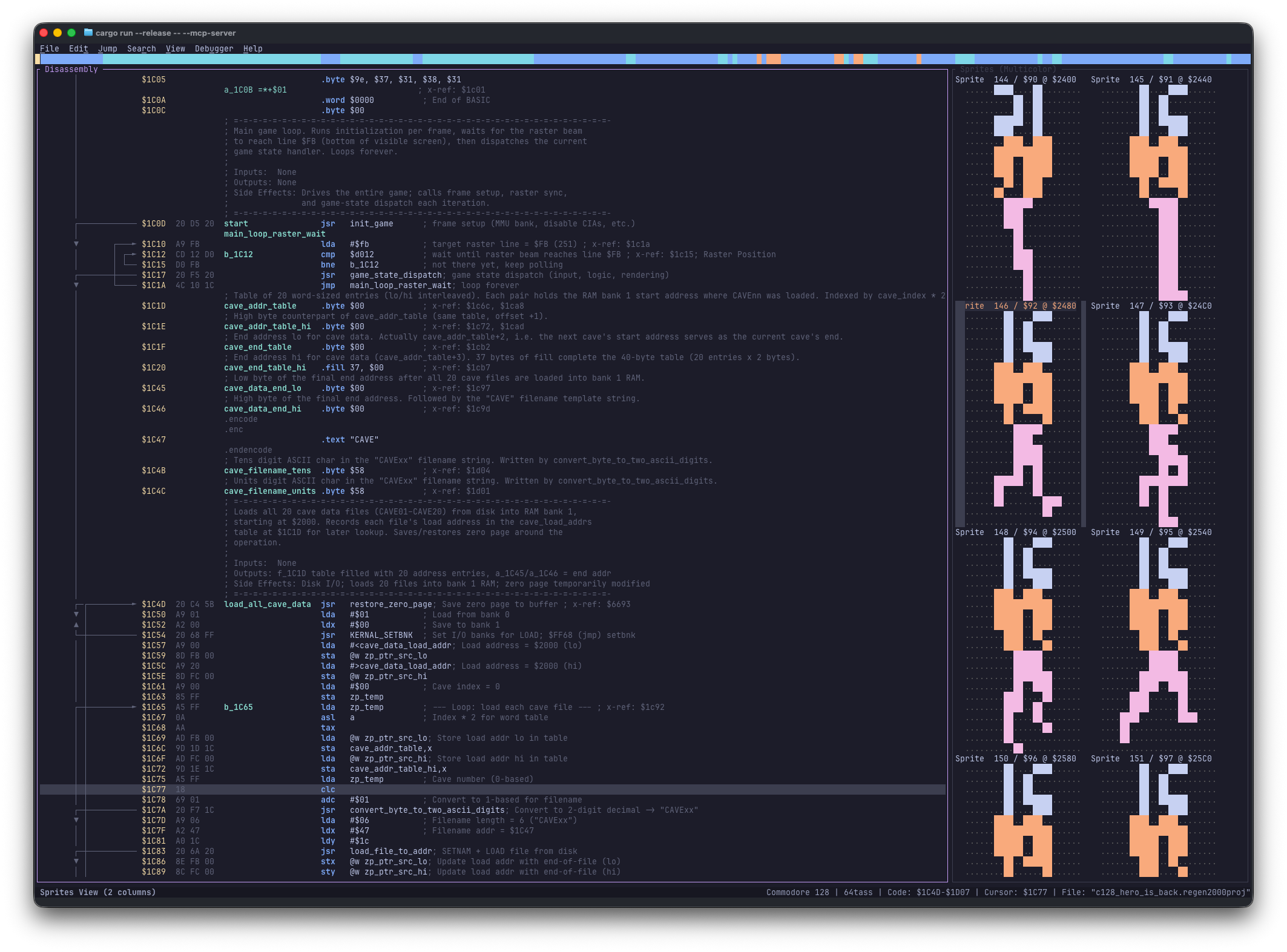
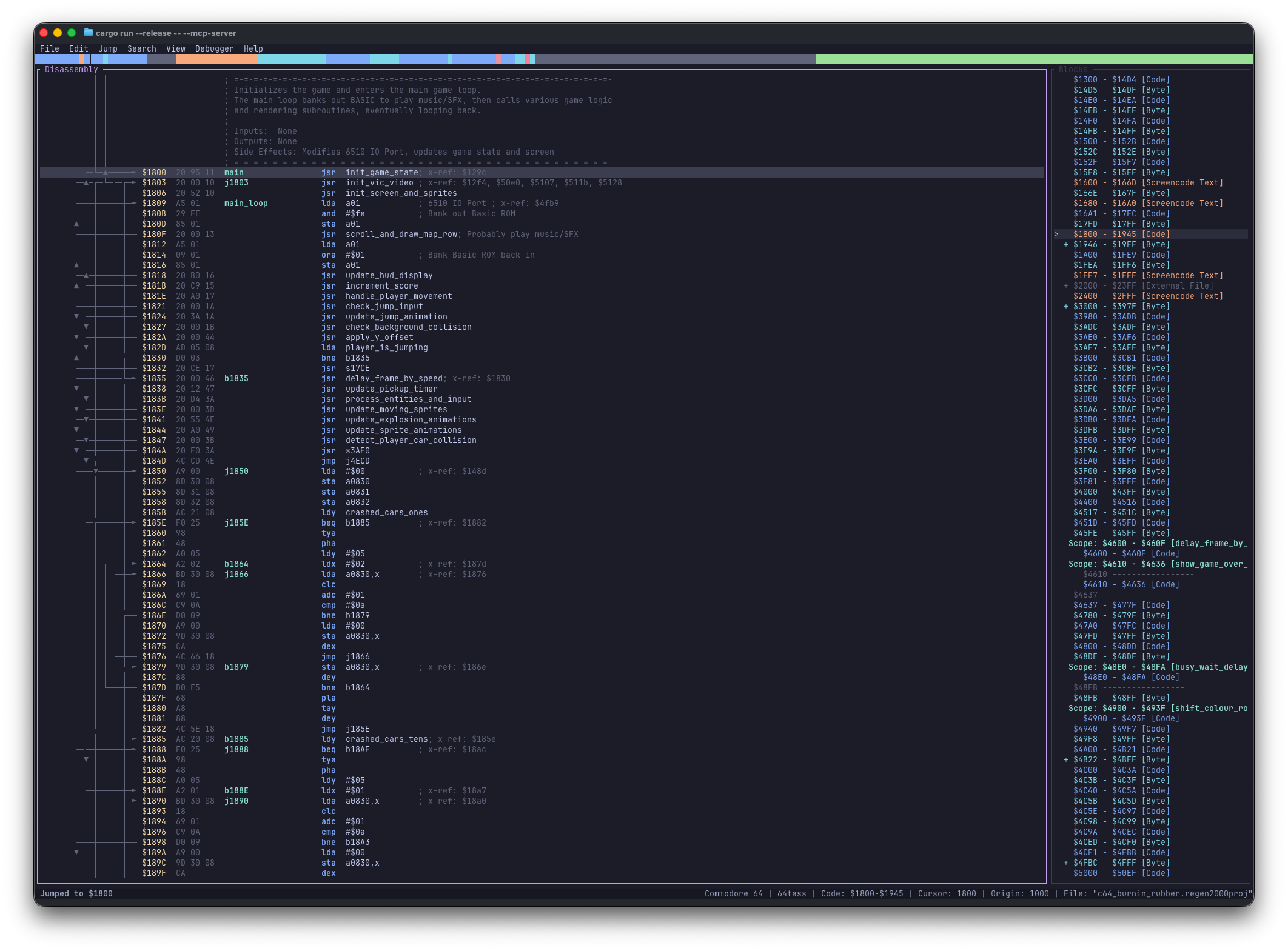
Navigate decoded 6502 instructions, follow branch arrows, inspect inline X-Refs, and rename labels in place.
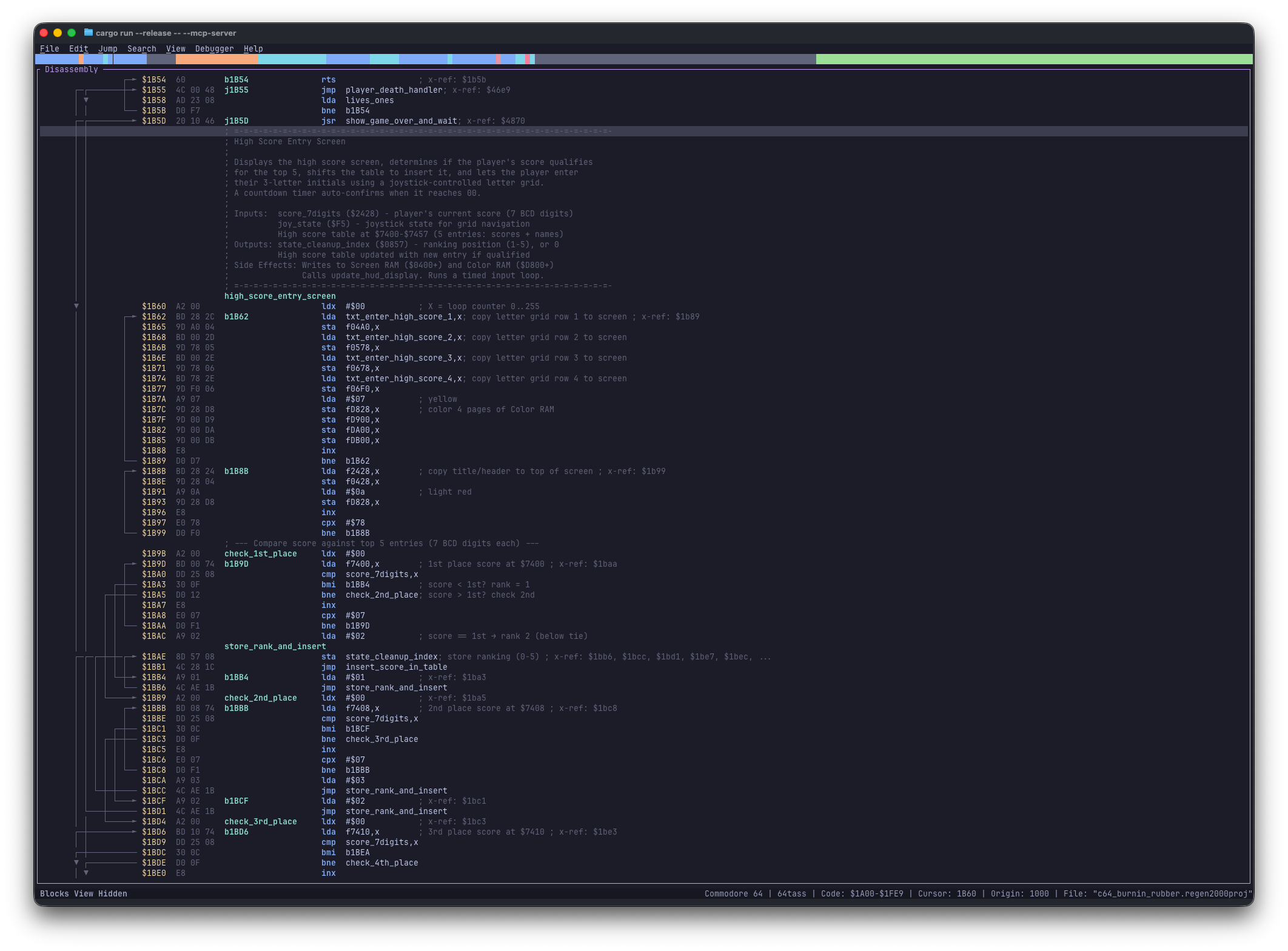
Spot patterns, padding, and strings with a byte-value color palette and live PETSCII / Screencode decoding.
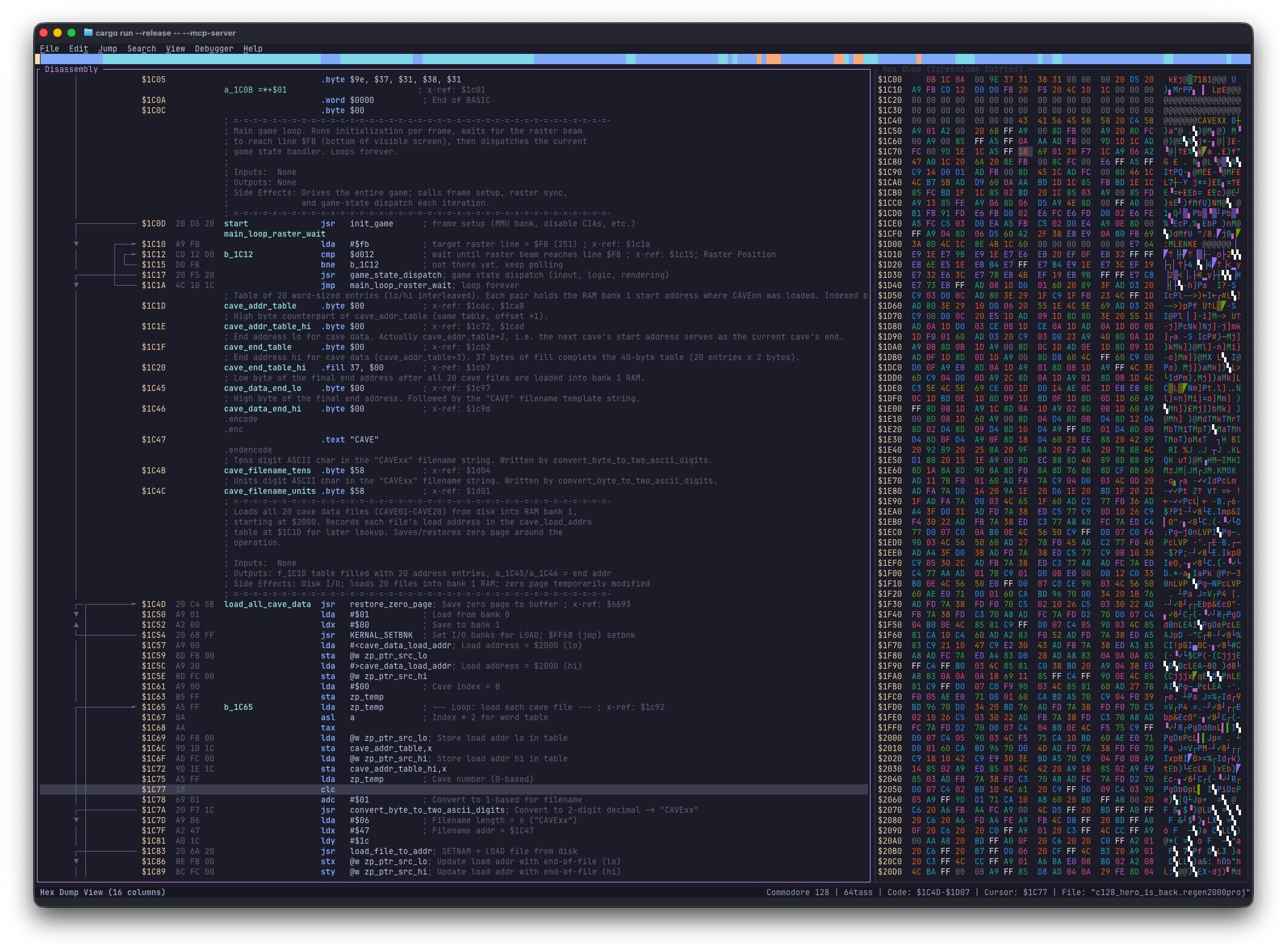
Scan memory as 8×8 character tiles in standard high-res or multicolor mode to uncover custom fonts.
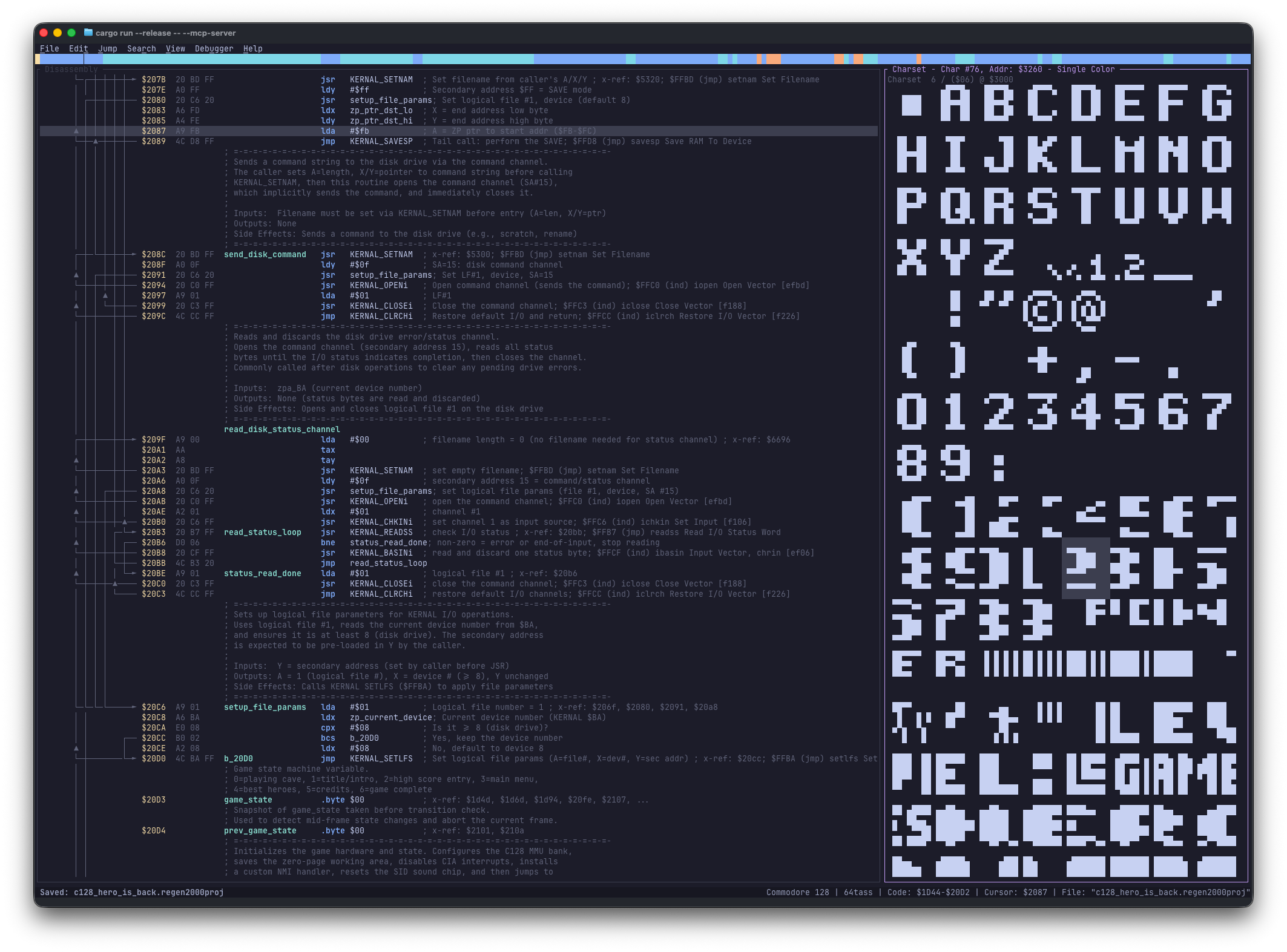
Browse 64-byte chunks as 24×21 hardware sprites in single-color or multicolor mode and mark them directly.
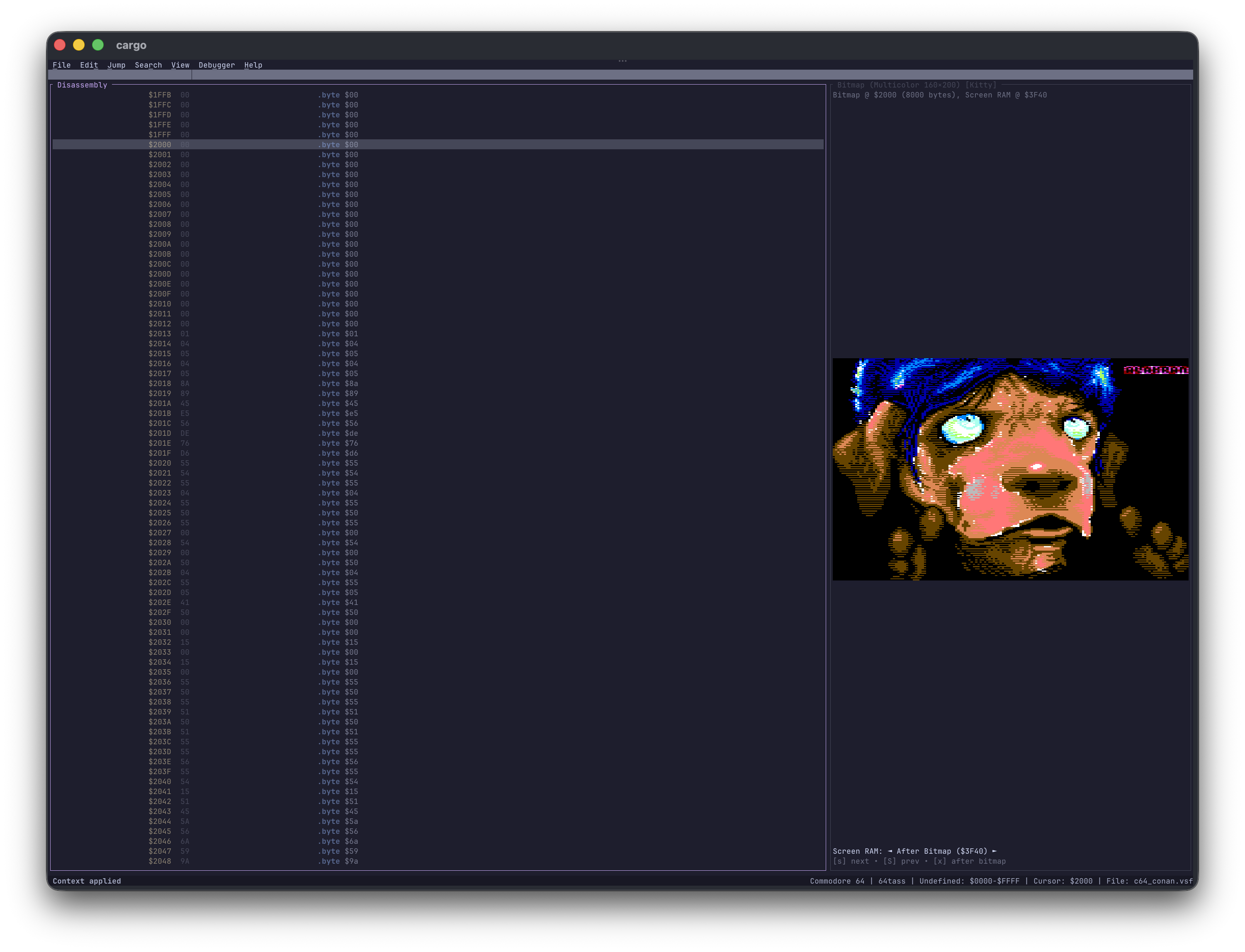
Preview full-screen 320×200 or 160×200 bitmaps with selectable Screen RAM overlays and terminal pixel graphics.
See the macro layout of Code, Data, Undefined regions, Scopes, and Splitters at a glance.
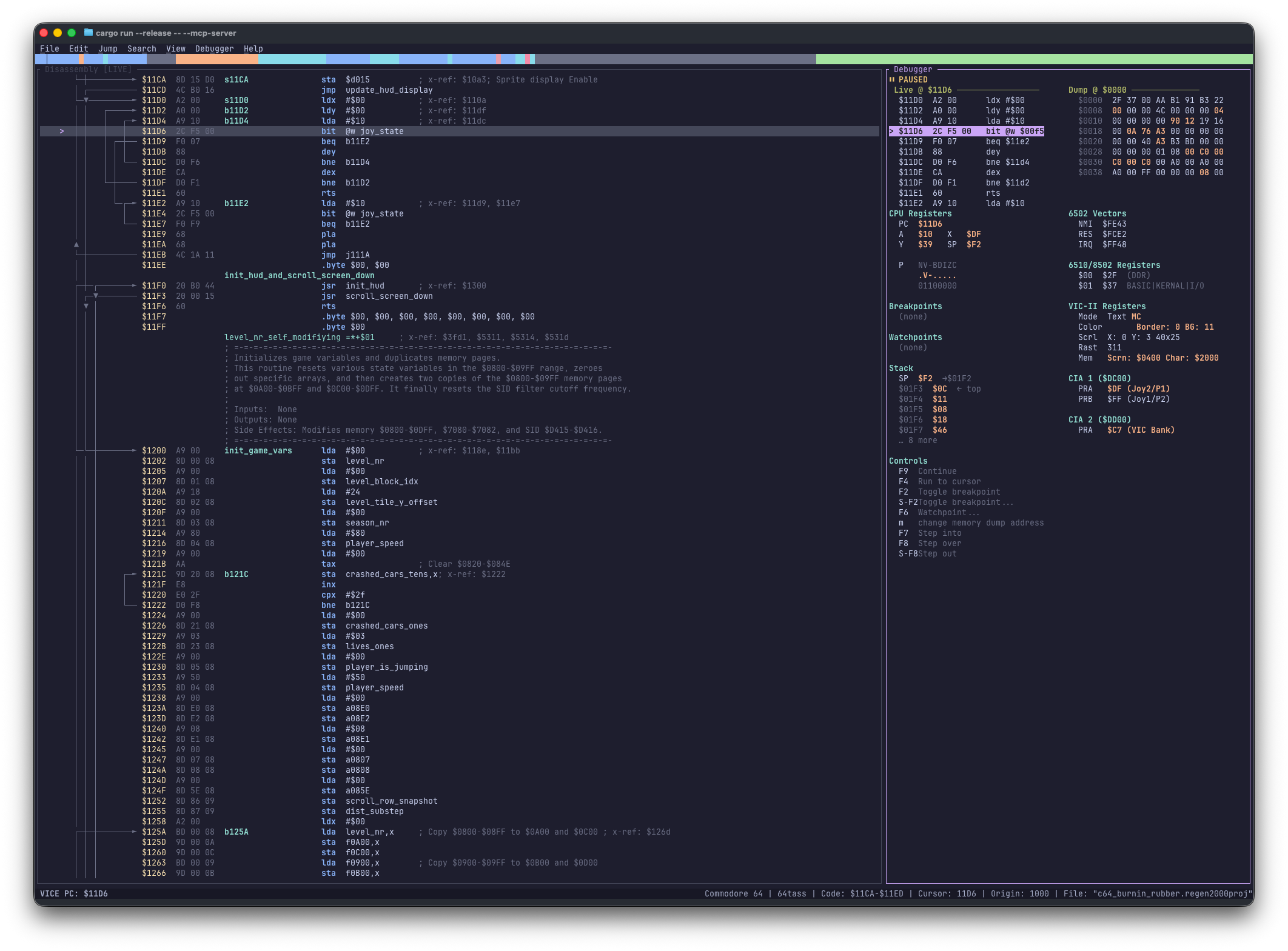
Attach to VICE over the binary monitor to inspect registers, stack, hardware chips, and step live code.
At a Glance
| Capability | What It Gives You |
|---|---|
| Full 6502 + Undocumented Opcodes | Disassembles standard and illegal 6502 instructions for C64, C128, VIC-20, Plus/4, C16, PET, and 1541. |
| Auto-Analysis & Typed X-Refs | Traces reachable code, names targets by addressing mode (s_, j_, b_), and tags every caller ([R], [W], [C], [J]). |
| Persistent Undo / Redo | Records every block, label, comment, scope, and enum change in .regen2000proj project files. |
| Labels, Scopes & Enums | Isolates local labels inside lexical scopes and replaces magic numbers with system, global, or project enum constants. |
| Built-in 6502 Binary Unpacker | Emulates 26+ packer families (and custom stubs) in a sandboxed 6502 CPU to extract packed PRG binaries automatically. |
| Live VICE Debugger | Sets breakpoints and watchpoints, steps instructions, and highlights changed registers, stack entries, and chip state. |
| MCP Server & Skills | Exposes 29 structured tools over HTTP/SSE or stdio so AI agents can analyze routines alongside the live TUI. |
| 9 Built-in Themes | Ships with Dracula, Solarized, Gruvbox, Monokai, Nord, and Catppuccin, plus TOML overrides for custom palettes. |
| Roundtrip ASM & HTML Export | Exports clean source for 64tass, ACME, KickAssembler, and ca65 (with --verify byte-identical checks) plus interactive HTML. |
Quick Start
-
Install Regenerator 2000:
Download the archive for Linux, macOS, or Windows from the latest GitHub Release and place
regenerator2000in yourPATH. -
Open a binary (
.prg,.crt,.d64,.d71,.d81,.t64,.vsf,.dis65, or raw.bin):- For raw binaries without headers, the Import Context dialog opens first so you can set the target system, origin address, and entry point. If entropy or packer signatures trigger,
< Unpack >is pre-selected.
- For raw binaries without headers, the Import Context dialog opens first so you can set the target system, origin address, and entry point. If entropy or packer signatures trigger,
-
Start classifying with five core keys:
Key Action D Disassemble reachable code from the cursor B Mark the current byte or Visual selection (Shift+V) as data bytes L Rename the label under the cursor ; Add an inline side comment (: adds a line comment above) Enter Jump to an operand target (Backspace jumps back)
Typical Workflow
Reverse engineering is iterative—classify a region, follow a branch, label what you learn, and verify or export when ready:
flowchart LR
    Open["`**1. Open**
    PRG · CRT · D64 · VSF`"] --> Analyze["`**2. Analyze**
    TUI or AI (MCP)`"]
    Analyze --> Debug["`**3. Debug**
    Live VICE Monitor`"]
    Debug --> Export["`**4. Export**
    ASM · HTML · --verify`"]
Ready for a full hands-on walkthrough? Head to the Guided Tutorial.