
Like the original Unijoysticle, but remove WiFi and add Bluetooth.
Unijoysticle 2 allows you to use modern Bluetooth controllers, like Sony DualSense or Nintendo Switch controllers (among many others) in old computers like the Commodore 64, Amiga or Atari.
Unijoysticle C64 / A500 / 800XL
| C64 | A500 | 800XL |
|---|---|---|
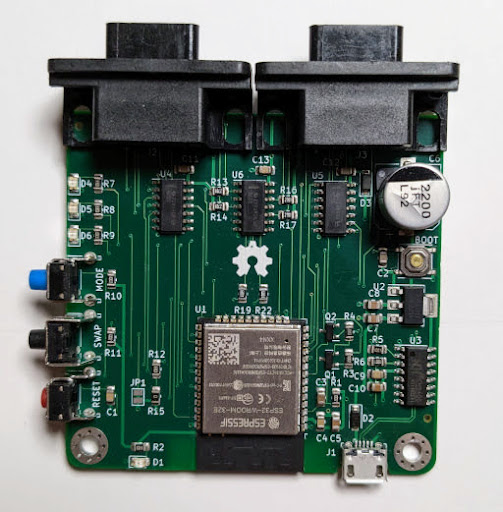 | 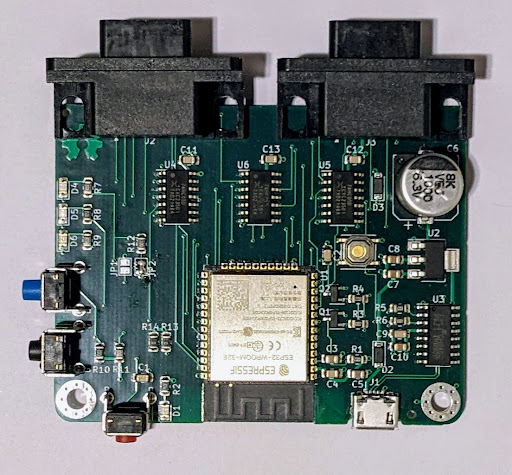 | 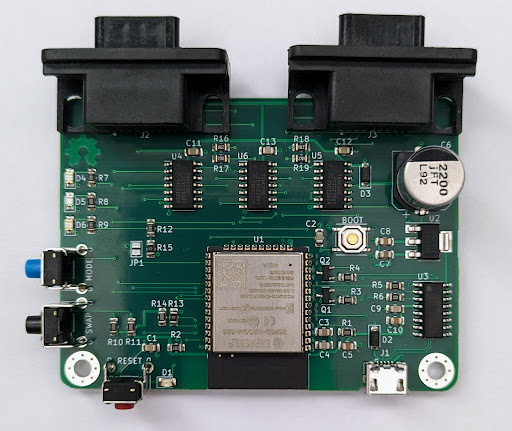 |
Different models tailored for different computers
Purchase them from my Tindie store:

I also trade them. One of my products for one of yours. Interested? Contact me at:
- Email: unijoysticle@gmail.com
- Blue Sky: https://bsky.app/profile/ricardoquesada.bsky.social
- Mastodon: https://mastodon.social/@ricardoquesada
- Twitter: https://twitter.com/ricardoquesada
Supported Controllers
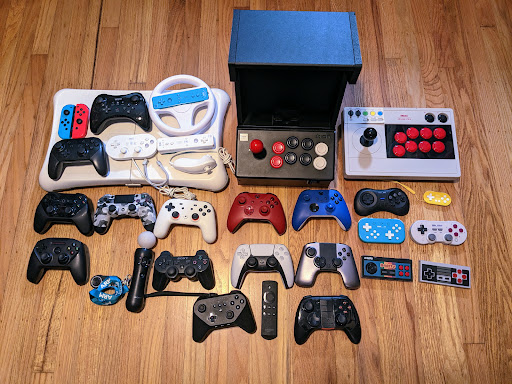
Supports most, if not all, modern Bluetooth controllers:
- Sony DualSense, DualShock 4, DualShock 3, PS Move
- Nintendo Switch Pro, Switch Joy Cons, Wii U Pro, Wii Mote, Wii Balance Board, Wii Steering Wheel
- Xbox Wireless controllers (Bluetooth based ones)
- Android, including Stadia controller
- 8BitDo family of controllers
- iCade
- Mouse
- And more
Supported Computers
- Commodore 8-bit line: C64, SX-64, C128, C128-D, Drean C64
- Commodore Amiga: 500, 1200.
- Might fit on other models, not tested.
- Atari 8-bit line: 800XL, 600XL
- Might fit on other models, not tested.
- Atari ST: 520, 1040 (requires adapter cables)
- Misc: Mega65, Foenix256
Features
- Normal mode:
- One controller controls one joystick
- Two controllers control two joysticks
- Twin Stick mode: One controller controls both joysticks
- Gamepad Mouse mode: gamepad behaves as mouse
- 2nd & 3rd buttons
- More!
Documentation
- User Guide
- List of supported gamepads
- List of supported mice
Open Source / Open Hardware
The entire project is open source / open hardware:
- Firmware source code (uses Bluepad32 firmware)
- Schematic / Layout